
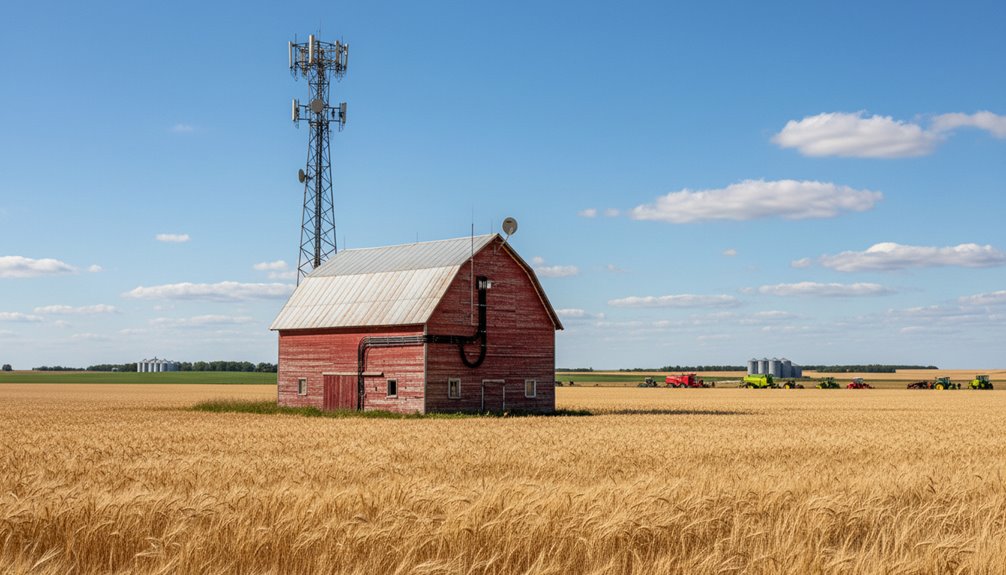
Farm wireless installation isn’t magic—it’s site surveys, signal mapping, and honest-to-goodness infrastructure work. Technicians measure signal strength across your fields, identify dead zones, and figure out what actually works with your terrain. Then comes equipment placement: aerials mounted high, cables weatherproofed, power sorted. Speed testing follows. Boring stuff? Absolutely. Necessary stuff? Even more so. The details matter.
Pre-Installation Assessment on Your Property
Before Electrocom’s technicians roll up to a farm, they’re not just eyeballing things and guessing. They perform a proper site survey.
Signal strength gets measured across all your fields using specialised tools. They’ll check for interference—competing wireless signals, environmental obstacles, the works. Dead zones get identified. Decibel readings are recorded at multiple locations to create signal strength heat maps. These signal strength heat maps are essential for identifying root causes of connectivity issues before any equipment is installed.
They examine your current network setup, test router compatibility with modern agricultural IoT devices, and measure hardware range against your actual coverage needs. Outdated equipment gets flagged.
They document everything: existing infrastructure limitations, precision agriculture technology locations, potential interference from farm machinery. This comprehensive assessment ensures reliable connectivity even in remote farming locations where traditional services often struggle to reach. The team leverages proprietary tower network infrastructure to deliver strong signals specifically designed for rural coverage challenges.
It’s thorough work. No surprises later. Just solid groundwork before installation begins.
Standard Qualifications for Farm Installations
Not every farm can just slap a router on a fence post and call it a day. Your property needs to meet specific technical requirements for wireless internet to actually work.
Here’s what we’re looking for:
- Clear line of sight between your buildings and our tower—trees, hills, and sheds kill signals dead
- Proper elevation to overcome terrain obstacles that block wireless bridges
- Power availability at installation points (PoE flexibility helps, but we need something to work with)
- Weatherproof mounting locations protected from lightning, wind, and KZN’s notorious storms
- Wired backhaul options between buildings for reliable, stable connectivity
Some farms pass instantly. Others may benefit from TP-Link Pharos CPE devices that extend coverage over longer distances and provide superior environmental protection. That’s what the pre-installation assessment tells us.
We’ll need to get creative with antenna placement or signal amplifiers for properties that don’t meet baseline requirements.
Equipment Components and What They Do
Once a farm clears the technical requirements—line of sight confirmed, power sorted, mounting spots identified—the real work begins.
Electrocom’s technicians arrive with the actual hardware. Outdoor wireless bridges (802.11ax models) do the heavy lifting, beaming data up to 10km without signal degradation. Point-to-point. Direct. No mess. These bridges can operate in point-to-multipoint configurations, allowing a single transmitter to serve multiple remote locations simultaneously.
Then come the power components. PoE injectors and managed switches push both electricity and data through single Ethernet cables—eliminating separate power runs to remote locations. Smart, really.
The infrastructure itself is unglamorous but essential: weatherproof cables rated for UV exposure, L2+ managed switches, routers separating control traffic from user data. Gigabit throughput handles multiple IoT sensors and cameras simultaneously.
Finally, the physical stuff. Mounting poles raise equipment above obstructions. Surge protectors guard against lightning. Cable management keeps everything organised.
It’s all purpose-built for KZN’s harsh agricultural reality.
Antenna Placement for Maximum Signal Strength
Antenna placement isn’t sexy. But it’s absolutely critical. Get it wrong, and you’re stuck with dead zones and dropped connections during harvest season.
Here’s what matters:
- Height matters. Mount between 20–30 feet for proper coverage across large acreage. Pole mounting beats relying on existing farm structures that probably aren’t tall enough anyway.
- Line of sight is non-negotiable. Keep antennas clear of silos, equipment sheds, and other metal structures. Stay at least 15 feet away from interference sources.
- Orientation depends on your terrain. Vertical polarisation works for ground-level equipment. Horizontal positioning spreads signal across flat farming land.
- Direction counts. Point directional antennas at primary work zones, not everywhere.
- Test everything. Verify coverage at field edges and storage areas before calling it done.
Network Setup and Speed Verification Testing
Getting the antenna right is half the battle. The other half? Making sure your network actually works.
Once equipment’s installed, the real testing begins. Electrocom technicians run throughput monitoring to track actual speeds—not the marketing nonsense, but real data transfer rates. They check signal quality under actual KZN weather conditions. Rain, storms, load shedding. The lot.
Speed verification uses professional tools: frequency analysers to find interference, iperf applications to validate bandwidth, ping tests for latency. Technicians document everything over 72-hour periods, hunting for intermittent dropouts that only appear at inconvenient times.
Central management systems (UniFi, PharOS) let technicians monitor the whole farm from one dashboard. Connected devices, bandwidth allocation, power output—it’s all visible.
Before sign-off, every coverage zone gets tested. If it doesn’t meet specs, it gets fixed. Simple.